Setup
Null: How to Set Up a Mesh Wi-Fi System the Right Way
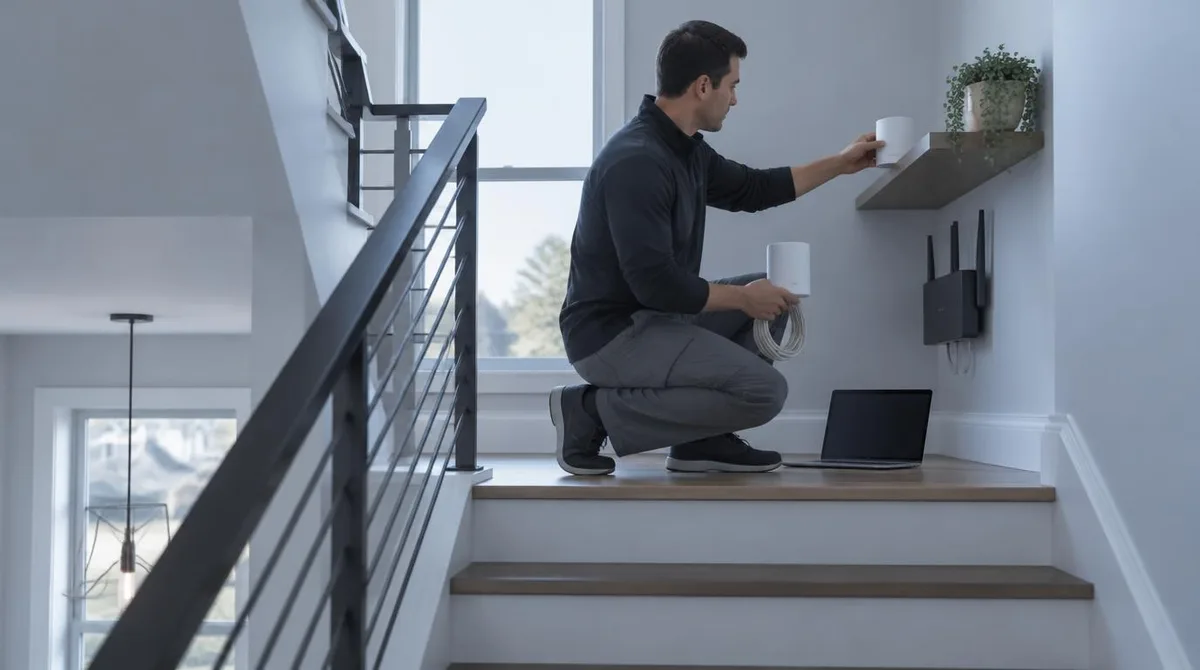
Kenji WatanabeMaker documentation favors open placement within 50 feet per wireless hop, wired backhaul where Ethernet exists, and bridging the ISP combo box after the mesh is running.
Setup handles the first hours with new hardware: transferring data, joining a network, pairing accessories and correcting defaults that waste battery or leak information. Instructions run step by step and are tested on current software versions. For people who want a thing configured properly once, then forgotten.
Step-by-step walkthroughs for new devices.
Maker documentation favors open placement within 50 feet per wireless hop, wired backhaul where Ethernet exists, and bridging the ISP combo box after the mesh is running.
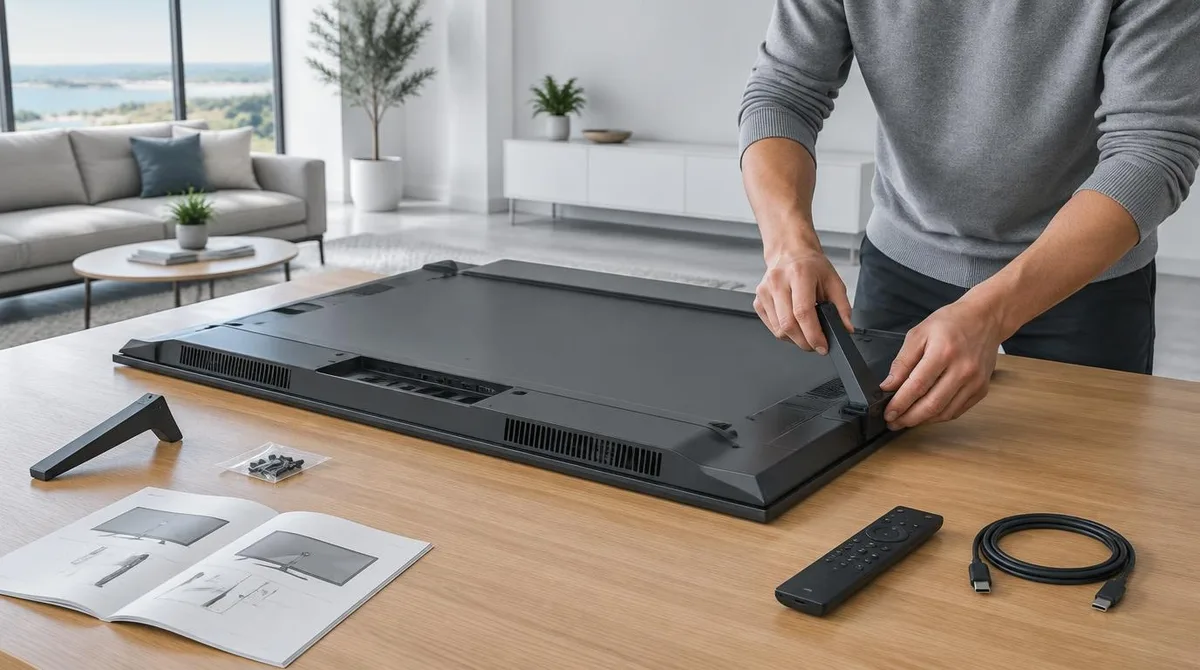
Setting up a new TV follows a documented order: stand or mount first, on-screen setup second, account decision third, updates before apps.

Accounts and two-factor codes come first on a new computer, then the documented transfer tool, then a verified backup before the old drive is wiped.

Synology's DSM 7.2 Hyper Backup documentation turns a two-bay NAS into an automatic, versioned backup box in one evening, but the 3-2-1 rule still requires one copy off-site.

A new laptop ships configured for the average buyer, not for you. Here's what to look at on day one — and what to leave alone.
Charge the battery, mount it level, and change these app settings before your first alert arrives.