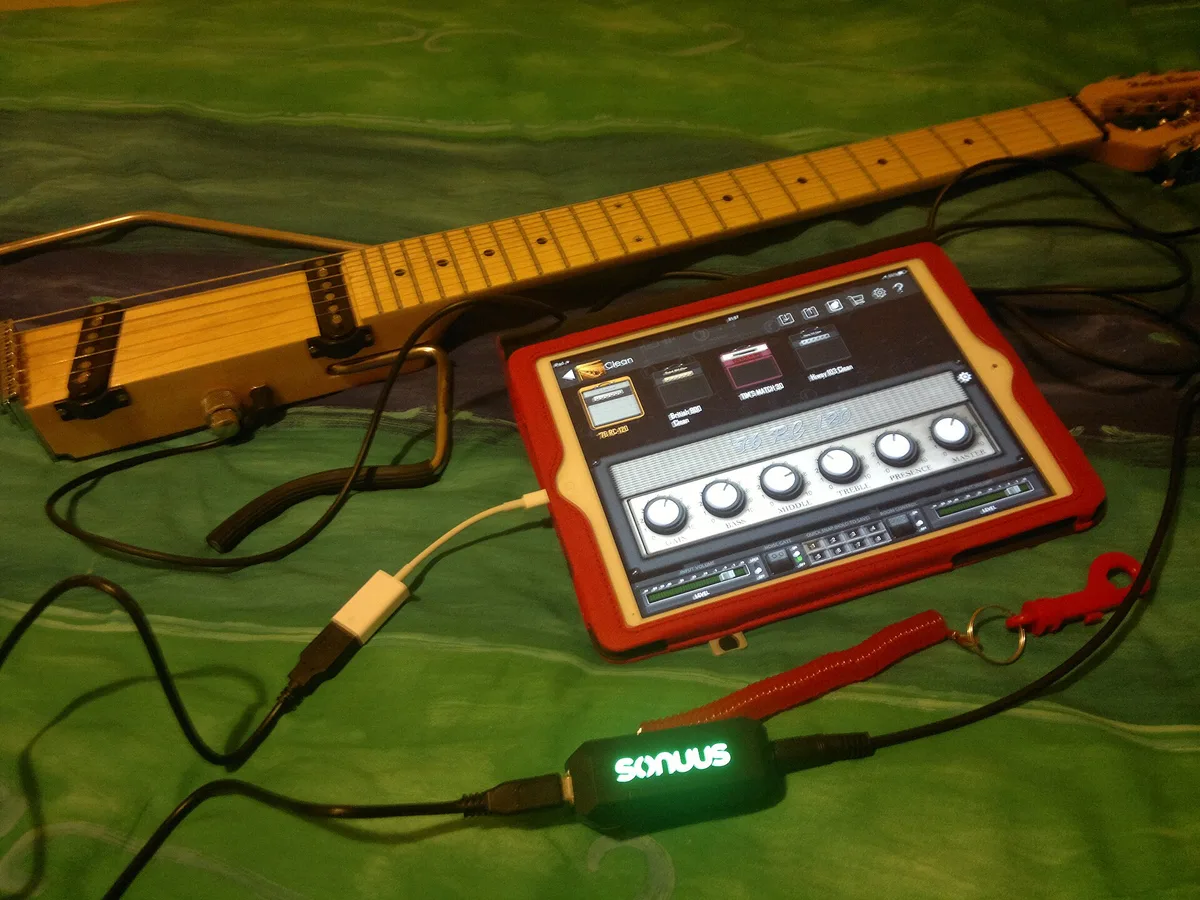
Setup
How to Set Up a New Device the Right Way: A First-Day Checklist
Brandi ReedBackups, security, and the settings most people skip — in the order that saves you the most trouble.
Setup handles the first hours with new hardware: transferring data, joining a network, pairing accessories and correcting defaults that waste battery or leak information. Instructions run step by step and are tested on current software versions. For people who want a thing configured properly once, then forgotten.
Step-by-step walkthroughs for new devices.
Backups, security, and the settings most people skip — in the order that saves you the most trouble.
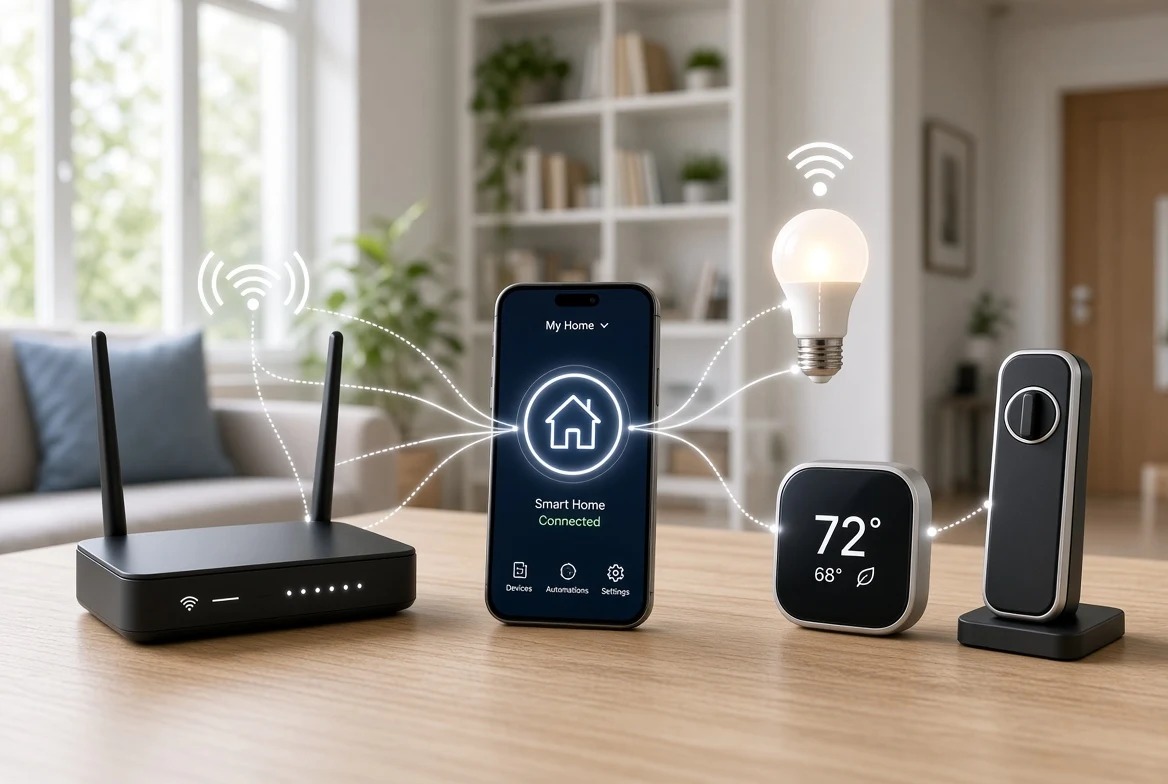
Matter promises one app for every brand's gadgets. Whether you also need a separate box on your network depends on one detail most product pages skip.
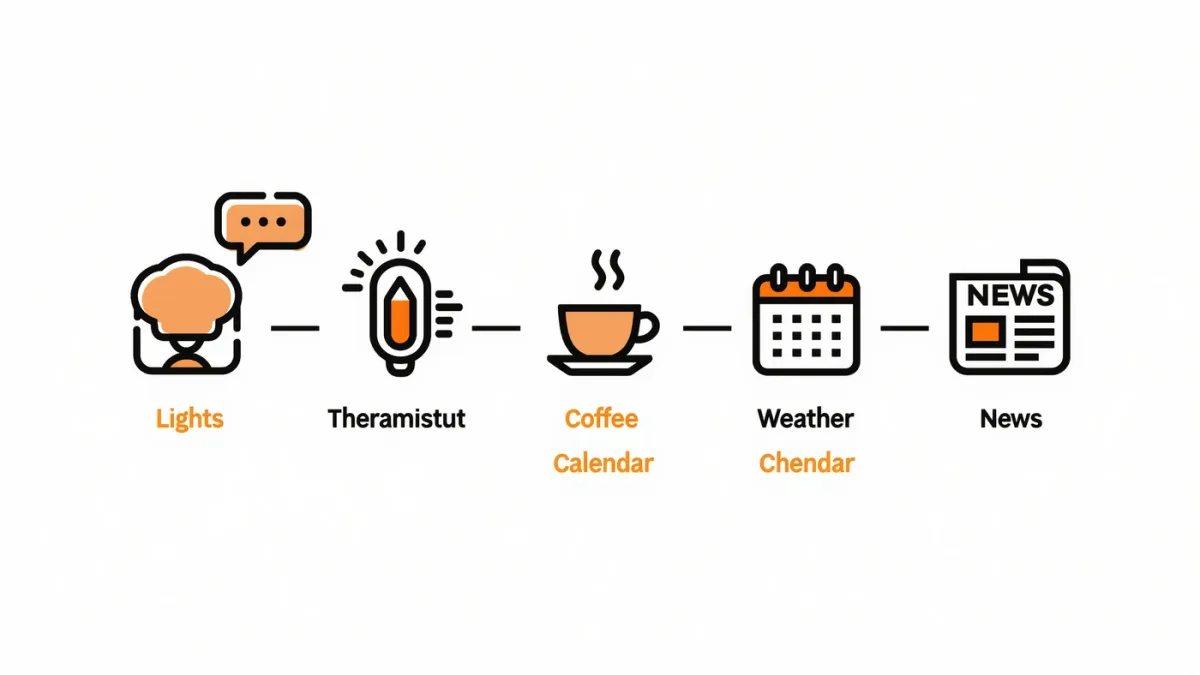
One phrase — "good morning" — can raise the lights, start the coffee, read the weather and calendar, and start your news briefing: a documented 15-minute build on every platform.

The 3-2-1 rule automates into an evening: one automatic cloud backup per device, one local drive, one monthly verification — ransomware and coffee spills then cost you an afternoon, not everything.
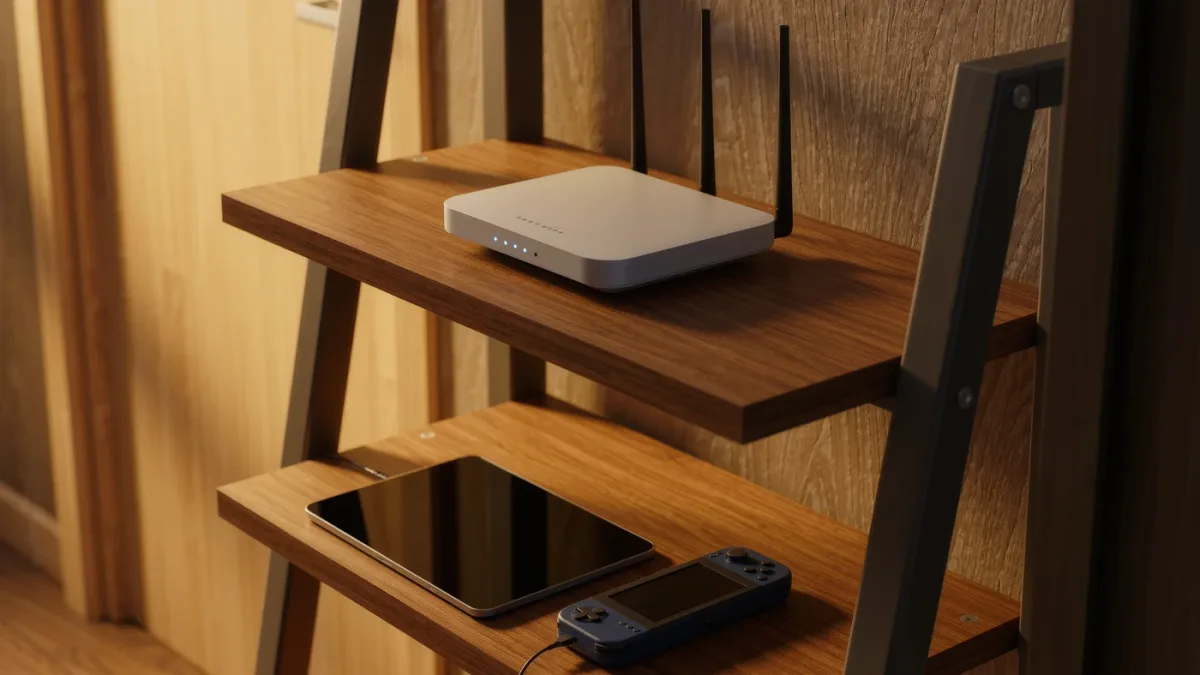
Router-level controls cut the internet at bedtime for specific devices — no app to delete, no phone to confiscate, and they work on every gadget in the house including consoles.
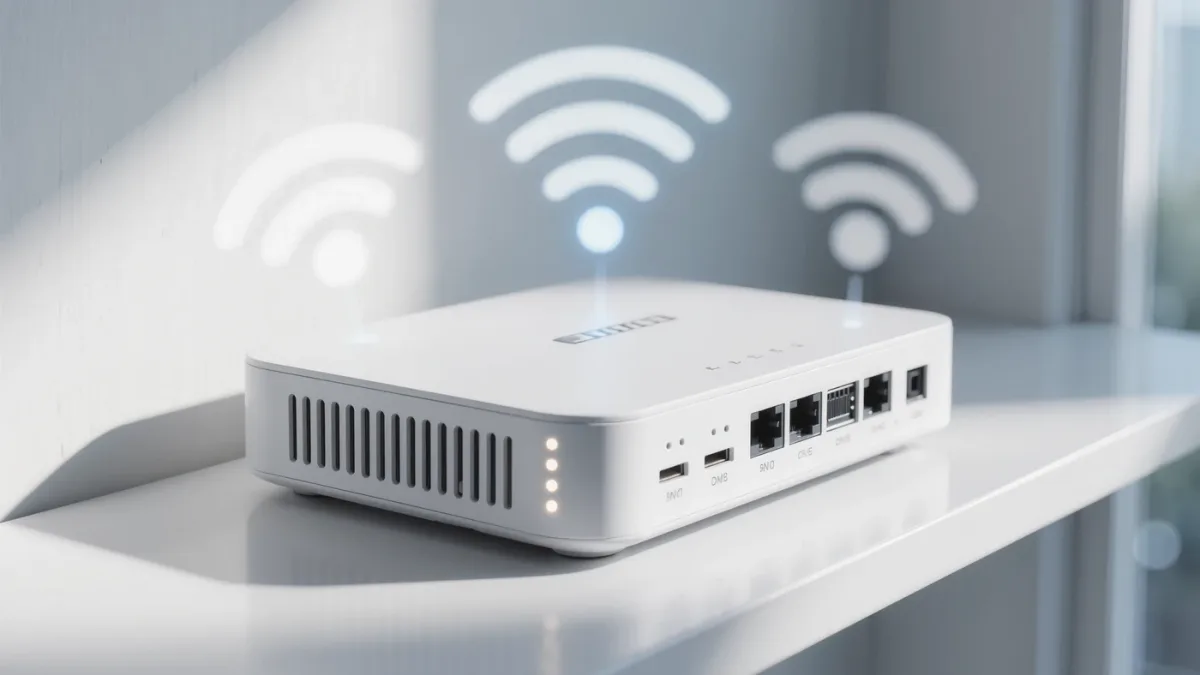
A guest network takes ten minutes in your router's admin page — and it's the documented way to keep visitors off your printer, your camera feeds and your file shares.