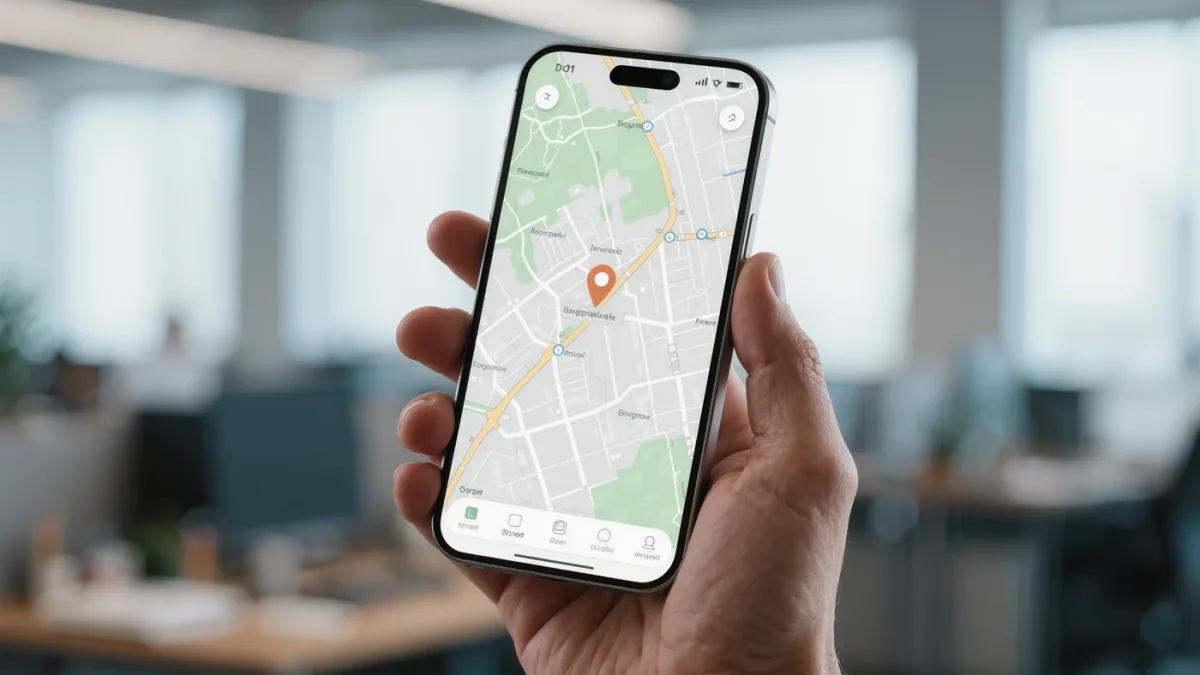
On iPhone, the setup is Settings → your name → Find My → Find My iPhone, with three toggles on; on Android, Settings → Google → Find My Device does the same. That's two minutes. What makes the feature actually work when a phone is lost: enabling Find My network (Apple) so the phone is locatable even offline, Sending Last Location so you get a final fix at 1-percent battery, and a screen lock that exists in the first place — an unlocked phone makes every other setting decorative.
What does each setting do?
- Find My iPhone / Find My Device: the master toggle — location on a map via icloud.com/find or google.com/android/find.
- Find My network (Apple): Apple documents locating a lost iPhone through nearby strangers' Apple devices via Bluetooth — works even when the phone is offline or powered off with residual battery.
- Sending Last Location: Apple documents the phone sending its location when the battery is critically low — often the last useful fix you get.
- Offline finding (Google): Google's Find My Device network, launched 2024, documents the same crowdsourced Bluetooth approach on Android; check it's on in the Find My Device app's settings.
How do you test it before you need it?
- From another device, open icloud.com/find or google.com/android/find and confirm the phone appears on the map.
- Play a sound — verifies the device check-in works end-to-end.
- Try Mark As Lost / Lost Mode on a device you have in hand, then cancel — you want to see the flow once in calm conditions.
What is Lost Mode, and when do you use it?
Both platforms document Lost Mode: it locks the device with a message and contact number, suspends wallet cards (Apple documents Apple Pay suspension on activation), and notifies you when the device is found. Use it the moment a phone goes missing — not after a day of hoping it turns up between couch cushions. A reward message and a reachable number measurably improve returns; there's no downside documented to activating it early. setup coverage.
What are the honest limits?
- A powered-off iPhone with Find My network on is locatable only while residual battery lasts, per Apple's documentation of the feature on recent models.
- Activation Lock (automatic with Find My) keeps a thief from using the phone — it doesn't get the phone back. Erase remotely when recovery looks hopeless; Activation Lock survives the erase.
- Thieves know the game: documented advice from both platforms — never go retrieve a phone alone; give police the serial number and the location history instead.
The five-minute full setup
- Screen lock: 6-digit PIN minimum, biometric on.
- Find My / Find My Device on, with network and Last Location enabled.
- Test from another device once a quarter — after OS updates, toggles occasionally come back odd.
- Write the serial number somewhere that isn't the phone (Settings → General → About) for the police report you hope not to file.