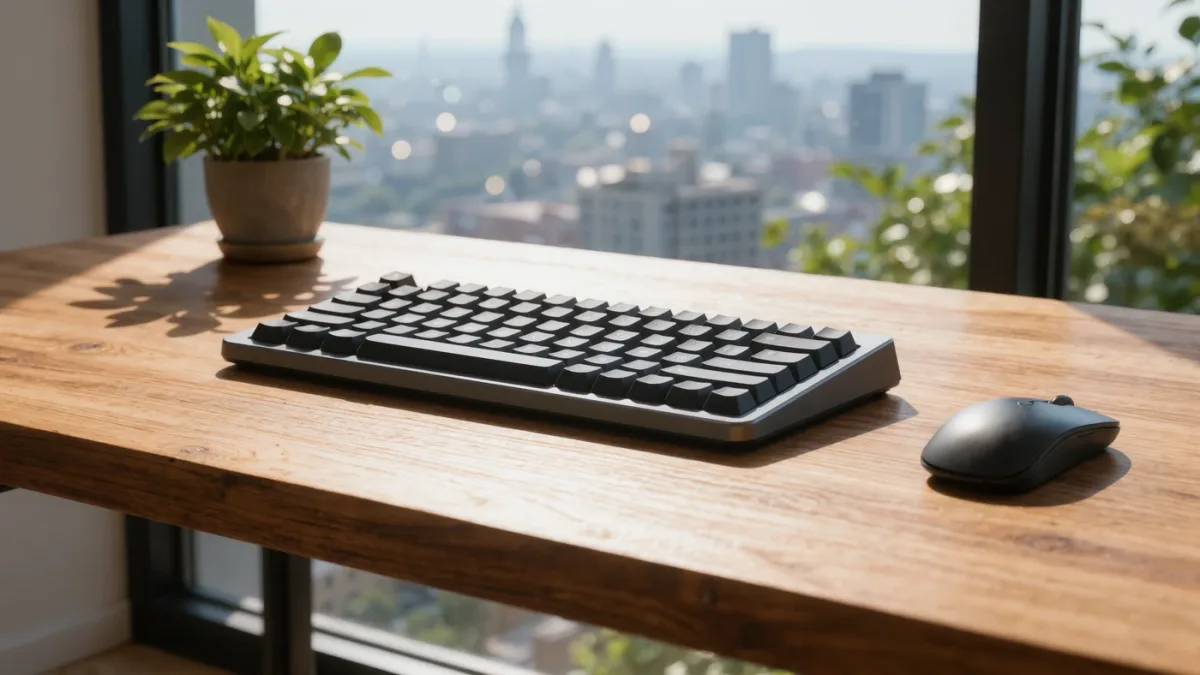
Choosing a mechanical keyboard comes down to three questions in order: how do you want it to feel (linear, tactile or clicky switches), how much desk do you have (full-size, 75-percent or 60-percent layout), and what are you plugging it into (a 2.4GHz USB dongle for gaming latency, Bluetooth for tablets and multi-device). A solid budget board with real Cherry or a reputable clone switch documents all three for $60–90 as of late 2025 pricing; the catch is that "gaming" marketing adds RGB and macro keys, not better typing.
What do switch colors actually mean?
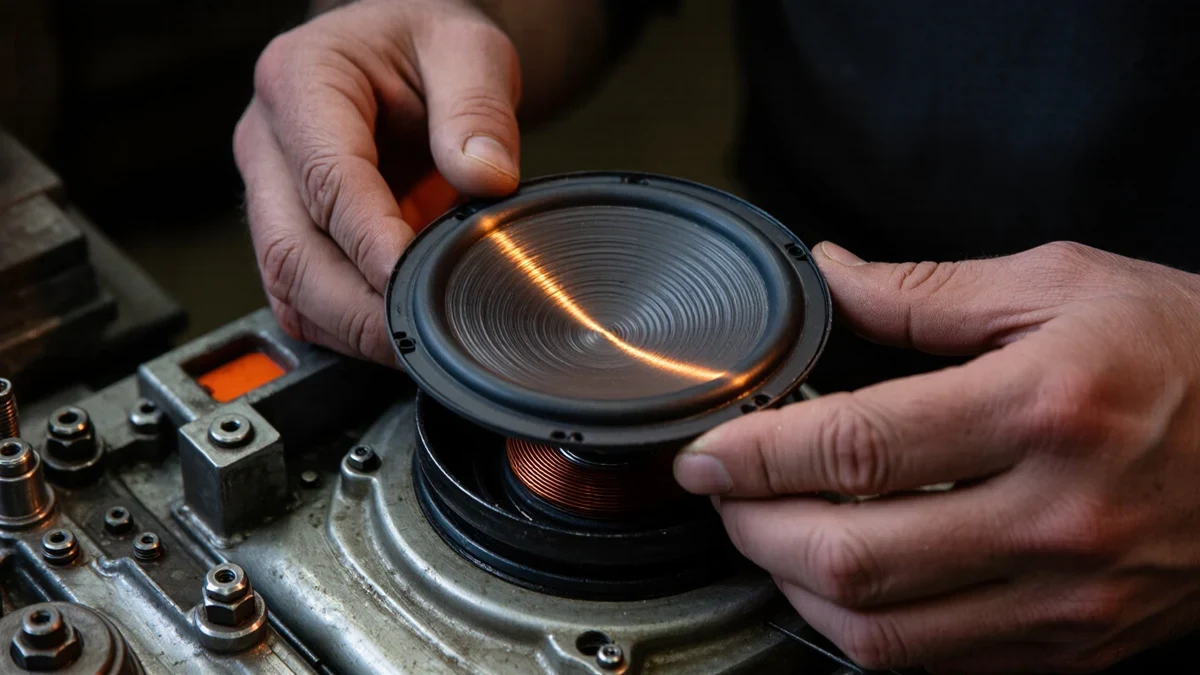
Manufacturers document the three families: linear (Cherry MX Red and clones) — smooth press, no bump, the gaming default; tactile** (MX Brown) — a bump you feel mid-press, the office-friendly middle; clicky (MX Blue) — a bump plus an audible click that your household will veto. Hot-swappable boards, which makers including Keychron and Epomaker document, let you change switches later without soldering — the single most future-proofing feature at any price.
What size do you need?
| Layout | Keys | What you lose | Best for |
|---|---|---|---|
| Full-size (100%) | ~104 | Nothing but desk space | Number-entry work |
| Tenkeyless (TKL) | ~87 | Number pad | Most desks, most people |
| 75% | ~82 | Number pad, some spacing | Tight desks with function keys kept |
| 60% | ~61 | Function row, arrows via layers | Minimalists, travel |
Unless you enter numbers all day, the documented sweet spot is TKL or 75 percent — arrows and function keys stay, and you reclaim a hand-width of desk.
Wired, Bluetooth or dongle?
- Wired: zero latency, zero battery — still the tournament and zero-maintenance standard.
- 2.4GHz dongle: makers document ~1ms latency; the catch is occupying a USB port and losing the tiny receiver at your own risk.
- Bluetooth: documented multi-device switching (board buttons or keys swap between laptop, tablet, phone) — the pick for mixed setups; a few milliseconds of latency you will never notice while typing.
Many boards in the $70–120 band document all three modes; buy one of those and the decision defers itself.
What's worth paying extra for?
- Hot-swap sockets — change feel later for $30 of switches instead of a new board.
- A steel or aluminum case — documented effect on sound and flex; plastic is fine, metal is nicer.
- QMK/VIA firmware support — makers document full programmability, the difference between a keyboard and a tool you customize.
Not worth it on documentation: "gaming" switch rebrands with no published force-travel curves, and RGB counts in the hundreds. Marketing documents neither typing feel nor reliability.
The verdict
On the documented evidence: a hot-swappable, tri-mode TKL or 75-percent board with tactile switches ($70–100 listed, late 2025) is the pick for most desks — gamers swap to linears later, silent-work offices to silent switches, and the board absorbs both. What the sources did not establish: any documented typing-speed benefit from any switch type — feel is preference, not performance.